SkillSystem for Android
Your next step.
In your pocket.
Keep your learning close. Join purposeful conversations, practise your skills and continue your journey with SkillSystem on your Android phone.
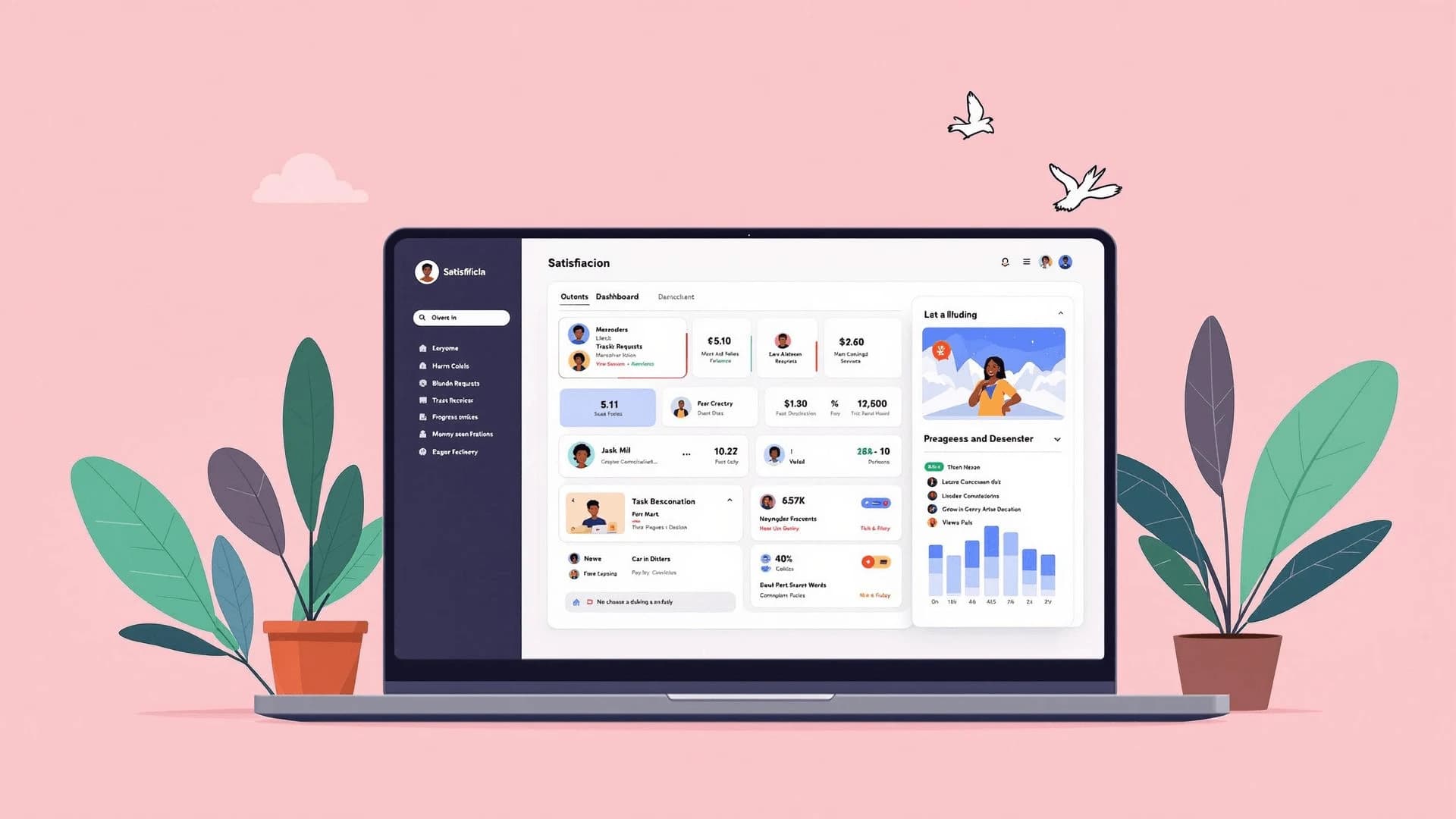
The official SkillSystem download
Take the conversation
with you.
Download the app, sign in and pick up your learning wherever you are.
Download SkillSystemSkillSystem · Version 0.3.42 (73). Career development, professional learning and practical work.
Download SkillSystem TuitionSkillSystem Tuition · Version 0.1.2 (3). Academic learning, lesson notes, activities and tutor conversations.
Open SkillSystem (PWA)For iPhone and browser users. Open in Safari or your browser, then add SkillSystem to your home screen.
Both Android links download an APK directly. Website and app sign-in are separate.
A few simple steps
From download to conversation.
Have your account email and PIN ready.
- 01
Download the Android app
Choose SkillSystem or SkillSystem Tuition below on your Android phone and download its APK.
- 02
Install and open SkillSystem
Open the downloaded APK and follow your phone’s installation prompts. Check that it came from the download link on this page.
- 03
Sign in and join the conversation
Use the email address connected to your SkillSystem account or invitation, together with your PIN.
Already have SkillSystem?
Install the updated APK, then reopen the app. Use the same account email to sign in.
If Android asks about the source
This is a direct installation outside Google Play. Review the source before following any installation prompt. If you’re unsure, contact support.
We’re here to help
A little help with your next step?
Contact us for installation or sign-in support.